Macao!

XRlover@miflydesign.info
2023-11-03
Project introduction
Let's help Macaro successfully escape!
How to play
Open the project

User ID error
More project
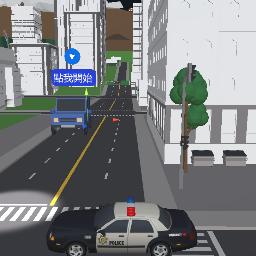
123
XRlover@miflydesign.info
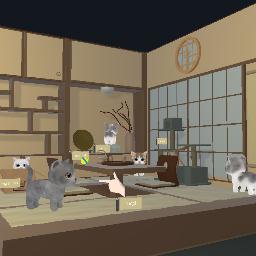
Cat Day
XRlover@miflydesign.info
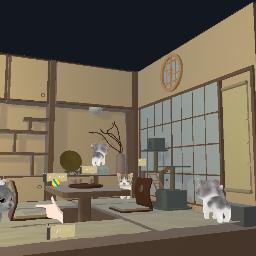
猫の日
XRlover@miflydesign.info
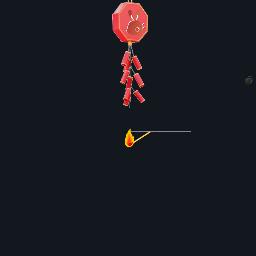
春節AR動畫
XRlover@miflydesign.info
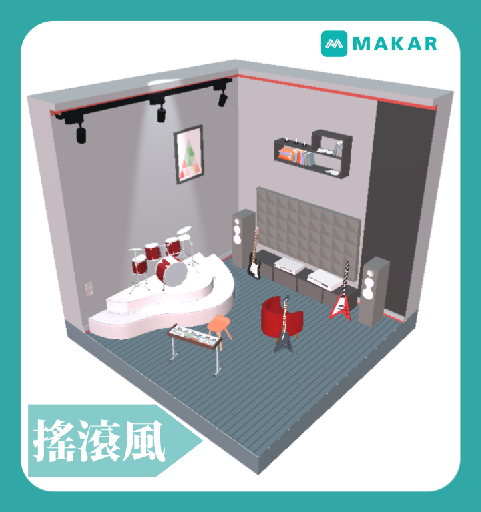
搖滾風
XRlover@miflydesign.info
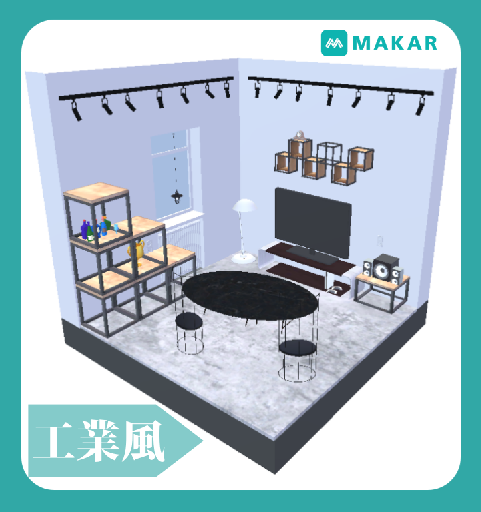
工業風
XRlover@miflydesign.info
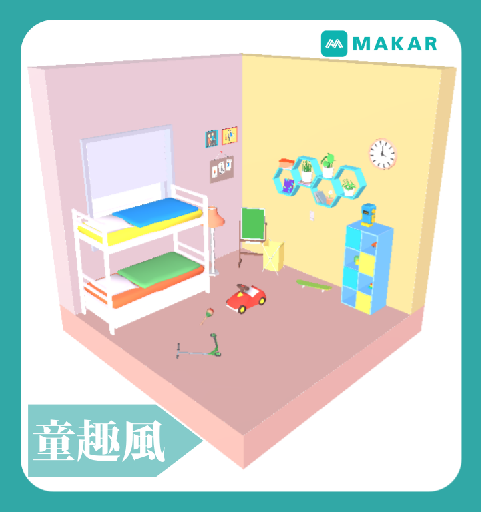
童趣風
XRlover@miflydesign.info
VR–道路安全駕駛
XRlover@miflydesign.info
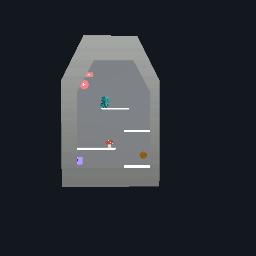
小朋友下樓梯(遮罩)
XRlover@miflydesign.info
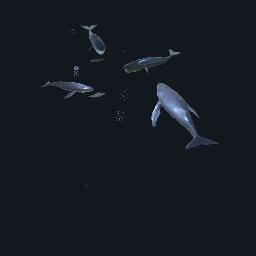
AR 闖入海洋城市
XRlover@miflydesign.info
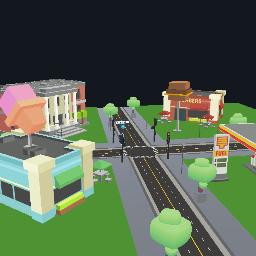
MR –行人停看聽
XRlover@miflydesign.info
123
XRlover@miflydesign.info
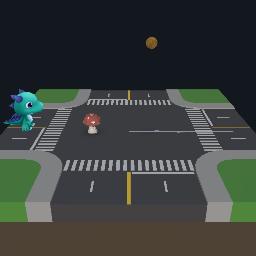
類馬力歐AR動畫
XRlover@miflydesign.info
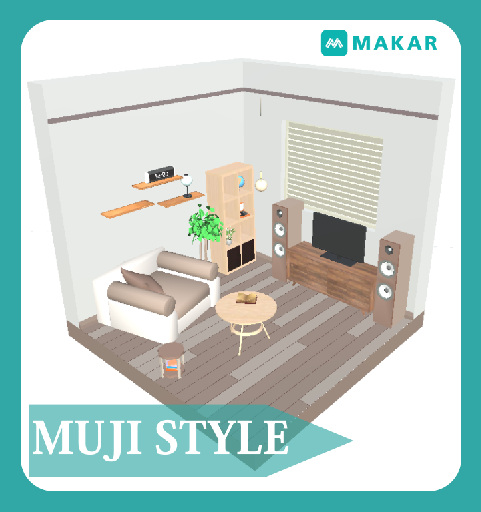
無印風
XRlover@miflydesign.info
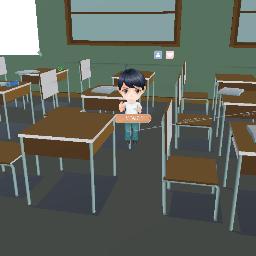
情人節巧克力傳情
XRlover@miflydesign.info
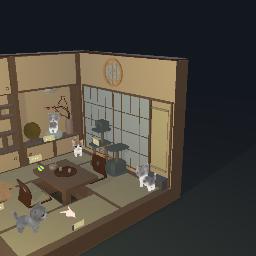
世界貓咪日
XRlover@miflydesign.info
數羊
XRlover@miflydesign.info
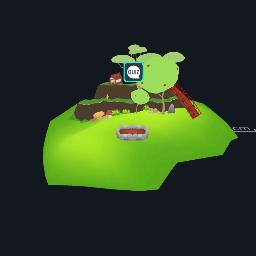
種樹體驗2.0
XRlover@miflydesign.info
2023-03-01-01
XRlover@miflydesign.info

2024-03-25-01
XRlover@miflydesign.info
test
XRlover@miflydesign.info

model watch

View the work from the perspective of the 3D model

XR experience

Experience AR, VR or MR works

Target Download

Recognition map download of AR works

open more menus

Reset the model back to its original position

share project

change camera

Turn on the flash

turn off the flash

Enlarge the experience area to full screen

Retract the experience area to its original size

Operation teaching

Take a picture of the current screen
How to use gestures in AR and MR projects

Left-click and drag to rotate the model in first-person view

Right-click and drag to pan the model in first-person perspective

Use the mouse wheel to zoom the model in first person view

One-finger drag, first-person view rotation model

Two-finger drag, first-person perspective panning model

Pinch-to-zoom, first-person zoom model