VR 360侏儸紀叢林

miflytemplate1
2024-08-20
Project introduction
VR-0006-VR360侏儸紀叢林 侏儸紀叢林是一個英語聽讀的教材,同學請先查詢不認識的英文單字及發音,之後再自己跟著唸,看你是否追得上他的發音速度,加油喔!! - 3D models download from Sketchfab by DailyArt
How to play
Open the project

User ID error
More project
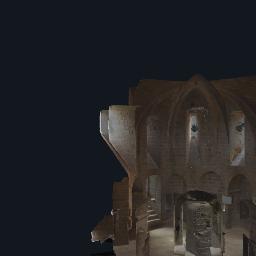
MR 密室
miflytemplate1
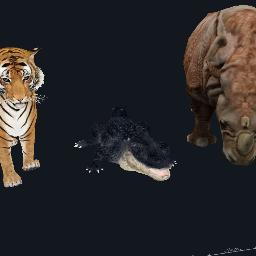
動物集錦-01
miflytemplate1

AR 英文單字-交通篇V01
miflytemplate1

Elf Girl
miflytemplate1
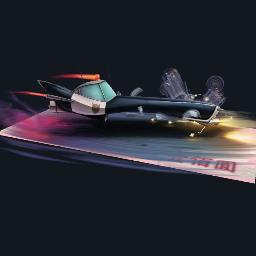
Police Chase
miflytemplate1
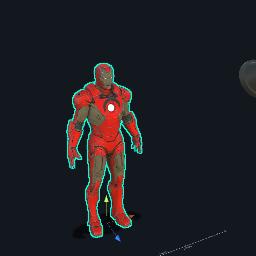
MR 鋼鐵人
miflytemplate1
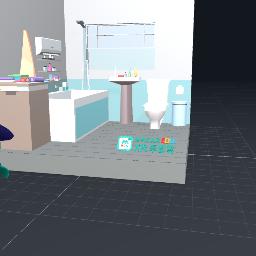
我的元宇宙房間-2
miflytemplate1

竹櫻小棧
miflytemplate1
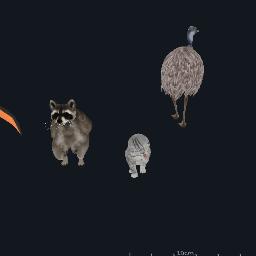
動物集錦-04
miflytemplate1
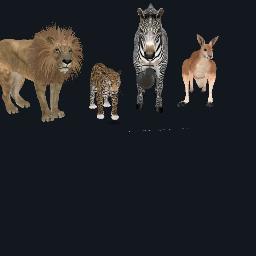
動物集錦-03
miflytemplate1
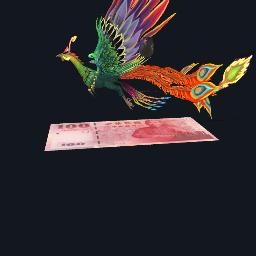
AR100元
miflytemplate1
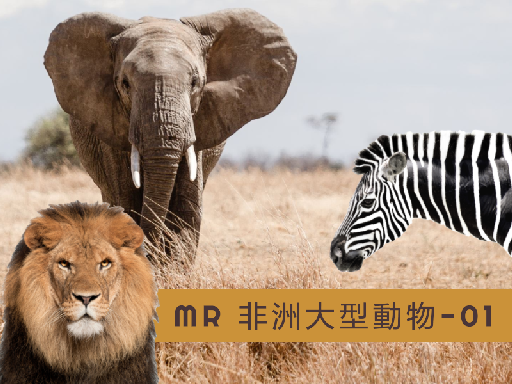
MR 非洲大型動物-0
miflytemplate1

MR 認識美洲印第安人_MR
miflytemplate1
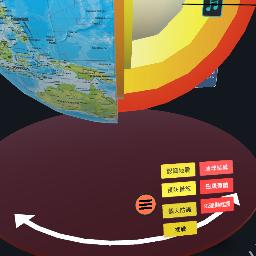
(製作中)防災避難知多少-地震篇
miflytemplate1
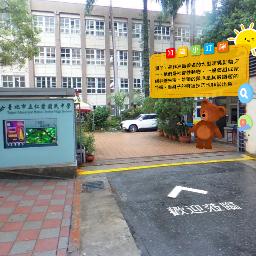
仁愛國中校園導覽
miflytemplate1

MR 台灣行政區-測驗用
miflytemplate1
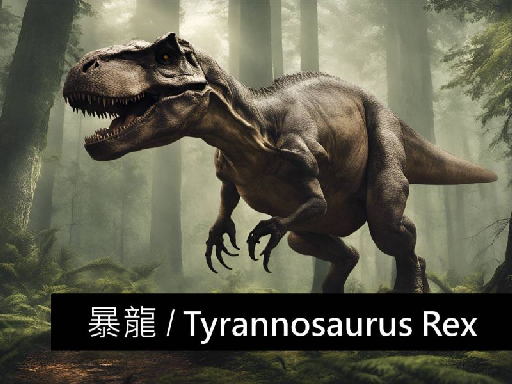
MR T-Rex暴龍
miflytemplate1
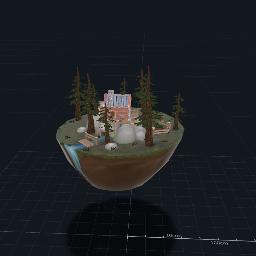
MRHunter's Lodge
miflytemplate1

MR 火星任務-毅力號
miflytemplate1

AR 畢氏定理-陀螺儀
miflytemplate1
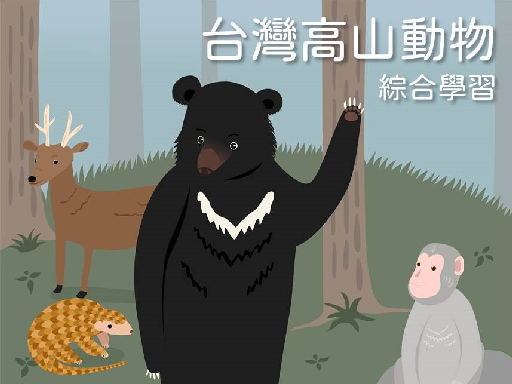
MR 台灣高山動物
miflytemplate1
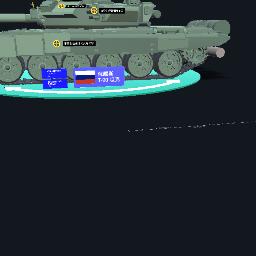
MR 坦克-T90
miflytemplate1

MR 人體結構
miflytemplate1

VR360 海底11,034公尺
miflytemplate1

女性內生殖系統-製作中
miflytemplate1

VR360 台灣高山動物
miflytemplate1
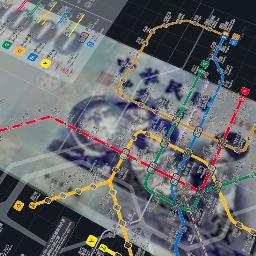
台北捷運路網
miflytemplate1
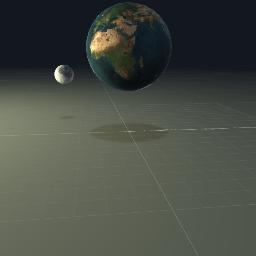
太陽地球月亮
miflytemplate1
VR
miflytemplate1

我的AR名片
miflytemplate1

model watch

View the work from the perspective of the 3D model

XR experience

Experience AR, VR or MR works

Target Download

Recognition map download of AR works

open more menus

Reset the model back to its original position

share project

change camera

Turn on the flash

turn off the flash

Enlarge the experience area to full screen

Retract the experience area to its original size

Operation teaching

Take a picture of the current screen
How to use gestures in AR and MR projects

Left-click and drag to rotate the model in first-person view

Right-click and drag to pan the model in first-person perspective

Use the mouse wheel to zoom the model in first person view

One-finger drag, first-person view rotation model

Two-finger drag, first-person perspective panning model

Pinch-to-zoom, first-person zoom model